Save code that works

It takes hours to find a code snippet or tutorial that actually works. And double that when you search for it again.

We help you save & access snippets in less than 5 secs with our web app, Chrome & IDE extensions. Just right-click and save!

arrow_forward Get started Features & pricing

Save code snippets

that work for the next time you need them

cloud

Save to the cloud

Access your snippets across devices and never lose them

collections_bookmark

Organize snippets

Group similar snippets together in collections or by hashtags

open_in_browser

Save with a Chrome Extension

Don't lose that snippet you found on Stack Overflow after trying a dozen different snippets

code

Save in Visual Studio Code

Instantly access & save your snippets while you code using keyboard shortcuts
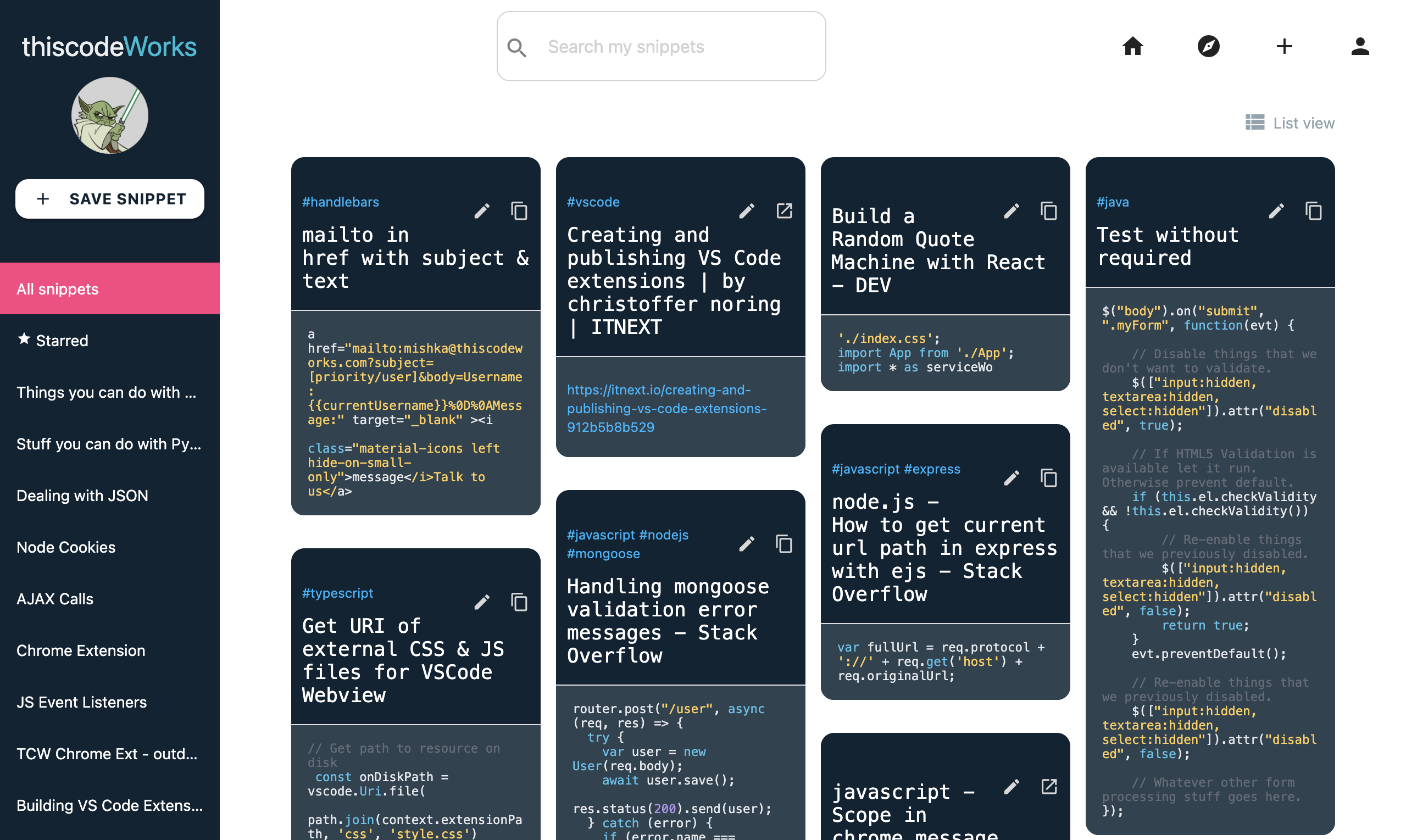
thiscodeworks dashboard
Available in the Chrome Web Store Get VS Code extension

Share code snippets

Every snippet you save has multiple ways to share

Explore the Pinterest of Code

Discover new snippets & collections saved by the community

$myDateTime = DateTime::createFromFormat('Y-m-d', $dateString);
$newDateString = $myDateTime->format('m/d/Y');
const arrMin = arr => Math.min(...arr);
// arrMin([20, 10, 5, 10]) -> 5

const arrMax = arr => Math.max(...arr);
// arrMax([20, 10, 5, 10]) -> 20
const arrAvg = arr => arr.reduce((a,b) => a + b, 0) / arr.length
// arrAvg([20, 10, 5, 10]) -> 11.25
<img 
	src="example.com/cat.png" 
    alt="Photo of a cat" 
    height="50" 
    width="100"
    longdesc="#catDetails"
 >
.gradient {
  background-image:
    radial-gradient(
      yellow,
      #f06d06
    );
}
/* Linear gradient pattern */

.repeat {
  background-image: 
    repeating-linear-gradient(
      45deg,
      yellow,
      yellow 10px,
      red 10px,
      red 20px /* determines size */
    );
}

/* Radial gradient pattern */

.repeat {
  background: 
    repeating-radial-gradient(
      circle at 0 0, 
      #eee,
      #ccc 50px
    );
}
from functools import reduce

def compose(*fns):
  return reduce(lambda f, g: lambda *args: f(g(*args)), fns)


EXAMPLES
add5 = lambda x: x + 5
multiply = lambda x, y: x * y
multiply_and_add_5 = compose(add5, multiply)

multiply_and_add_5(5, 2) # 15
var x = 123;

//OPTION 1
var y = x.toString();           

//OPTION 2
var y = (123).toString();        

//OPTION 3
var y = (100 + 23).toString();   

// value of y is 123 in all 3 cases.
var x = 1.234;
 
var y = x.toExponential(2); 
// returns y = 1.23e+0
 
var y = x.toExponential(5);  
// returns y = 1.23450e+0
var x = 1.2345;

var y = x.toFixed(0);
//y equals 1;

var y = x.toFixed(2);
//y equals 1.23

var y = x.toFixed(5);
//y equals 1.23400
var x = 1234;
var y = x.valueOf(); 

var y = (1234).valueOf();

var y (1000+234).valueOf();

//y equals 1234 in all 3 cases
parseInt("10");         // returns 10
parseInt("10.33");      // returns 10
parseInt("10 20 30");   // returns 10
parseInt("10 years");   // returns 10
parseInt("years 10");   // returns NaN 
let url = URL(string: image.url)
let data = try? Data(contentsOf: url!) //make sure your image in this url does exist, otherwise unwrap in a if let check / try-catch
imageView.image = UIImage(data: data!)

